
Roblox · Global
In-game currency code
for 800 Robux$9.25
1–15 minOpen 24/7
Steam top-ups by account name, game currency by player ID, and game keys and gift card codes right on your order page. Pay in USDT and see the full price before you pay.
Popular searches:Resident EvilRobloxFinal FantasySteam Wallet Code
In-game currency code


Gift code
Activation key
Console digital code

In-game currency code
 Resident Evil, from the original to RequiemKeys for the series in CIS and global regions: Requiem, Village, RE4, the remakes and Revelations.Choose a game
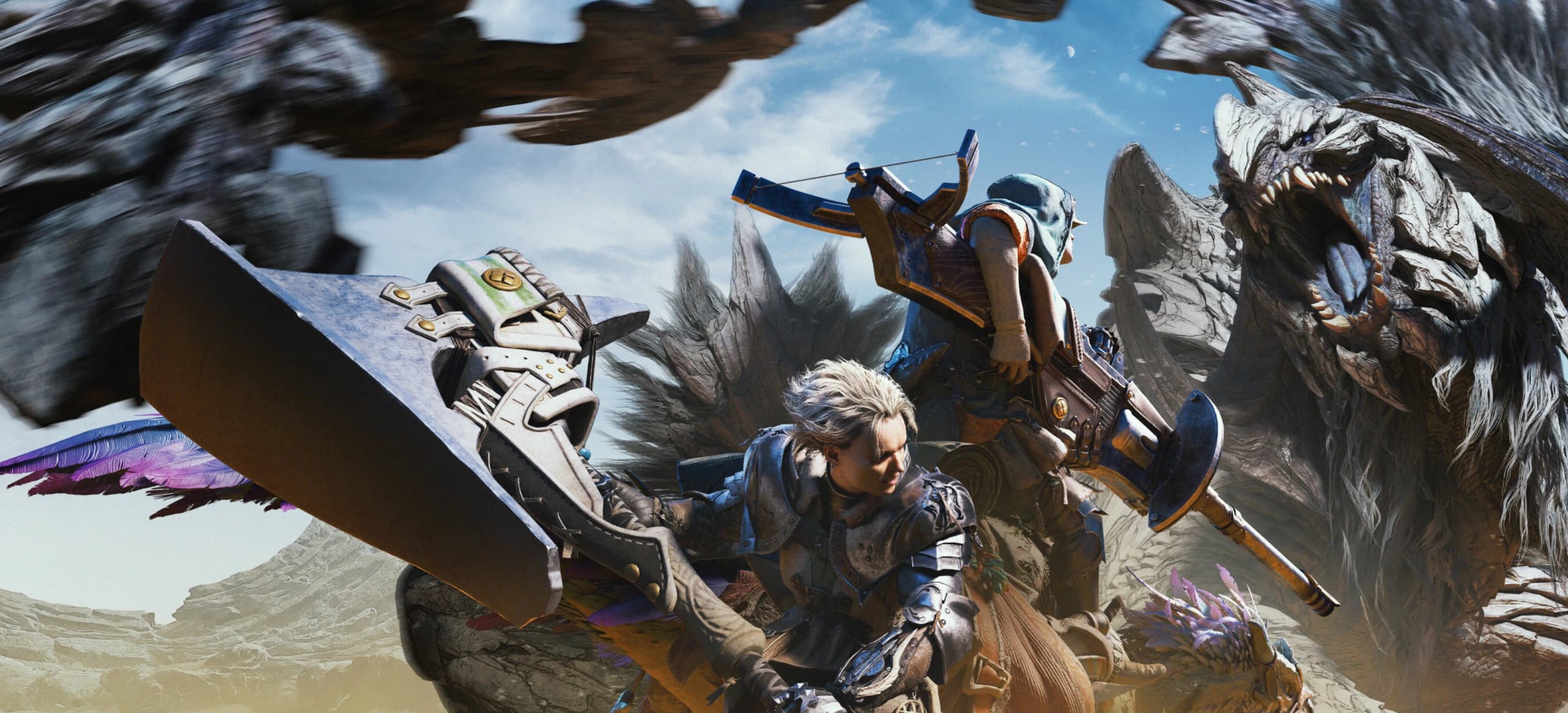
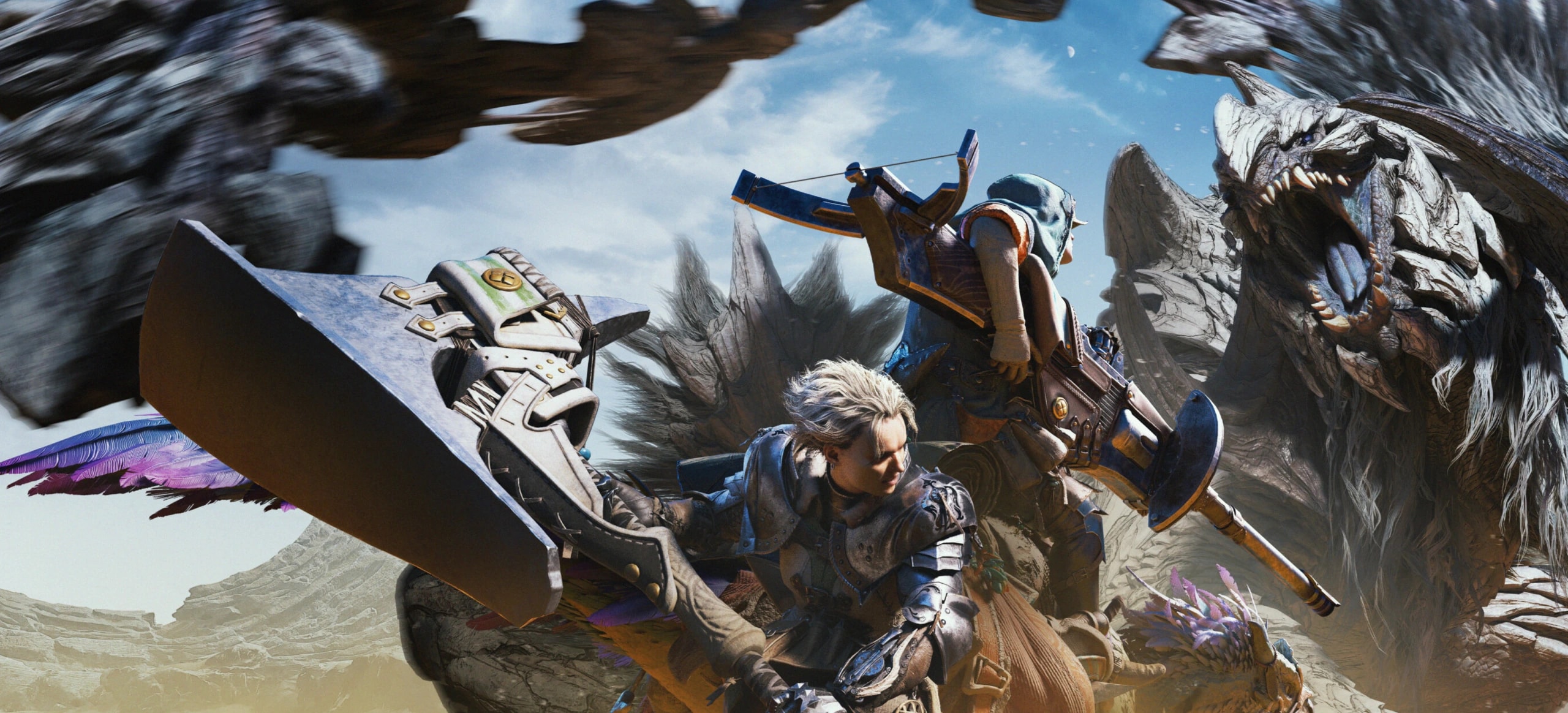
  Monster Hunter: Wilds, World, Rise and StoriesGames and expansions: Iceborne, Sunbreak and Deluxe editions. Each key shows its region.Choose a game
 Catalog
UC, diamonds and CP by player ID
Top up by username
PlayStation, Xbox, Apple, Google Play, Discord
PC keys: CIS and worldwide
Xbox and Nintendo
Every game and brand has its own page with currency, cards and codes
Games
Popular
In-game currency code
Gift code
Activation key
Console digital code
In-game currency code


Gift code

Activation key

Console digital code
In-game currency code





Activation key




Activation key

Activation key
Gift code
Gift code
Gift code
Gift code
Gift code
Gift code
Gift code
Gift code
Gift code
Gift code
Gift code
Gift code

In-game currency code

In-game currency code

In-game currency code
In-game currency code

In-game currency code

In-game currency code

In-game currency code

In-game currency code

In-game currency code
In-game currency code
In-game currency code

In-game currency code
Steam Wallet
From $1 to $124.80
Minimum order in USDT is $10: raise the amount or add items to your cart
Four steps
A gift card value, a top-up amount or a game. The price is shown upfront.
In USDT on the TRC20 network. You pay exactly the amount on the page.
We top up Steam by account name, add currency by player ID, and show codes and keys on your order page.
Your private order link shows the status. If something is wrong, contact support with your order number.
Our terms
Every code and key is issued once and is visible only through your private order link.
Steam needs your account name, game currency needs your player ID. We never ask for passwords or verification codes.
If we can't deliver, contact support with your order number and we'll sort it out.
We take and deliver orders at night, on weekends and on holidays.
Questions
Steam top-ups take 2–15 minutes. Codes, keys and game currency usually arrive 1–15 minutes after payment. Each product shows its own time, nights and weekends included.
In USDT on the TRC20 network: you pay the site price, plus a TRON network fee of 2%, at least 1.70 USDT. Orders start at $10. You see the full amount before checkout, and it doesn't change.
Contact support with your order number and we'll sort it out.
No. After checkout you get a private order link. It shows the status and, once the order is delivered, your codes. We ask for your email so we can find the order if you contact support.
The key can't be restored: we don't keep it. Look for it in your password manager and notes. If the account is still open on another device or browser, the key is there: Account → Access key → Show key. Each order also opens with its own link, so check your bookmarks and browser history. If the key is gone, a new account is created with your next order; the old account's balance and bonuses stay out of reach without the key.
Yes. Just pass on the code or key. For top-ups, enter the recipient's Steam account name or player ID.